






Support
Setup guides, help and answers for every KLIP product. Scanned the QR code on your packaging? Choose your product below.
Quick help
What's happening?
Choose your product and tell us the problem. We'll show you the fix.
Found a Klip Nova Tracker that isn't yours?See how to make it ring and switch it off. No account needed.
See the stepsChoose your product

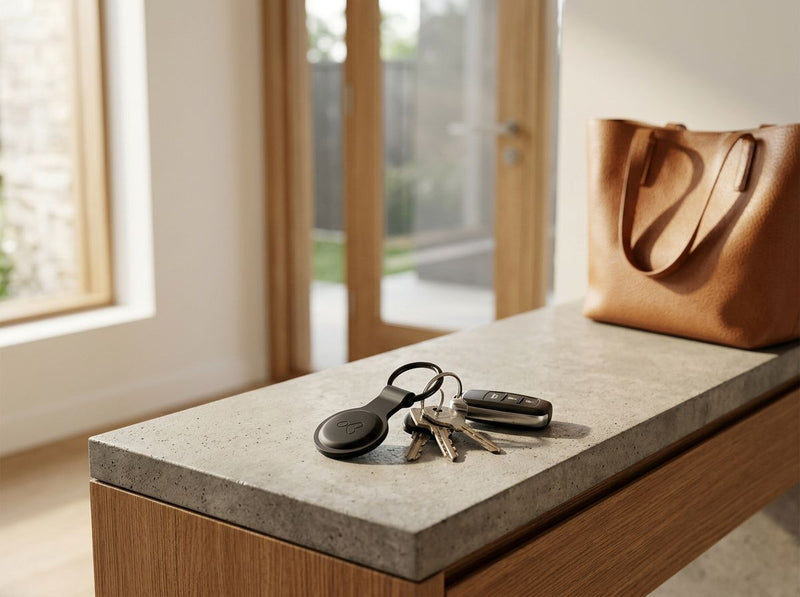
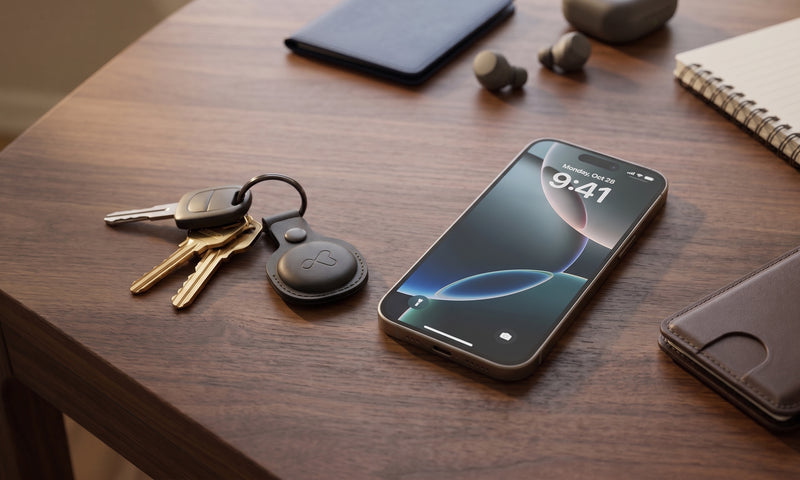
Klip Nova TrackerSetup and help →
Nova Flex, Nova Luxe and 4 Packs
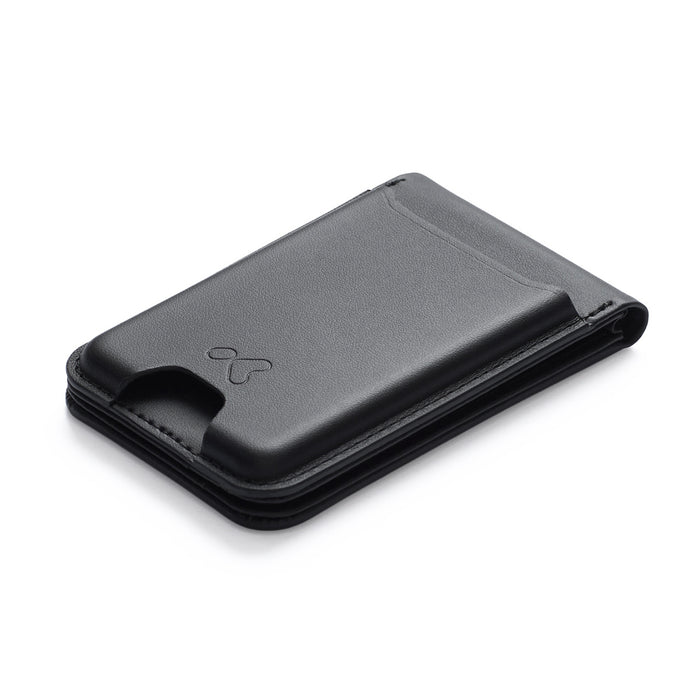
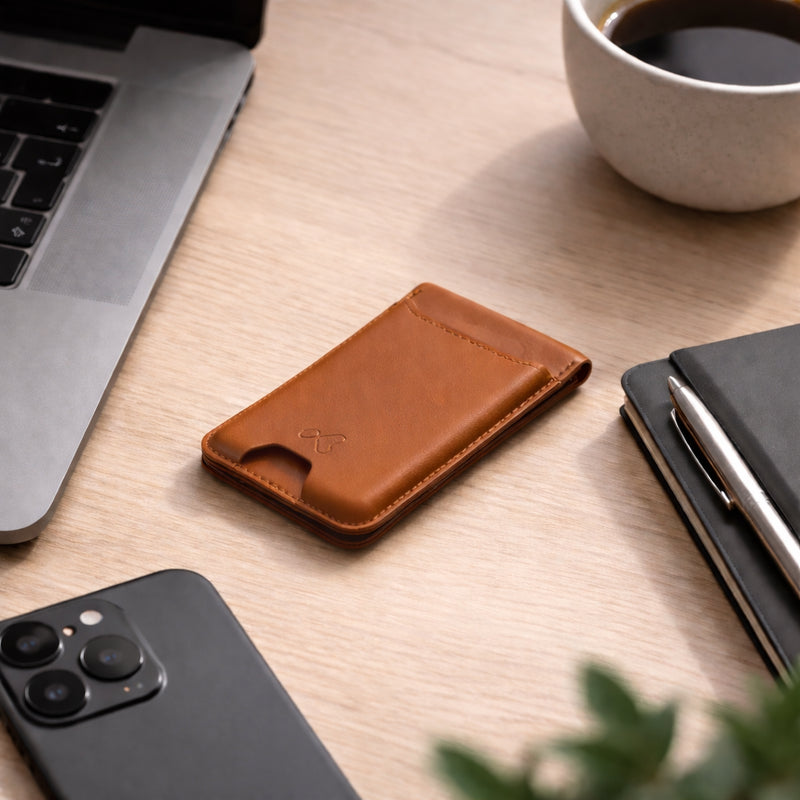
Vault Flip WalletSetup and help →
Setup, charging and help

Roam Luggage Tag+Setup and help →
Setup, charging and help

Roam Luggage StrapSetup and help →
Setup, charging and TSA lock

Roam Travel OrganiserSetup and help →
Setup, charging and help

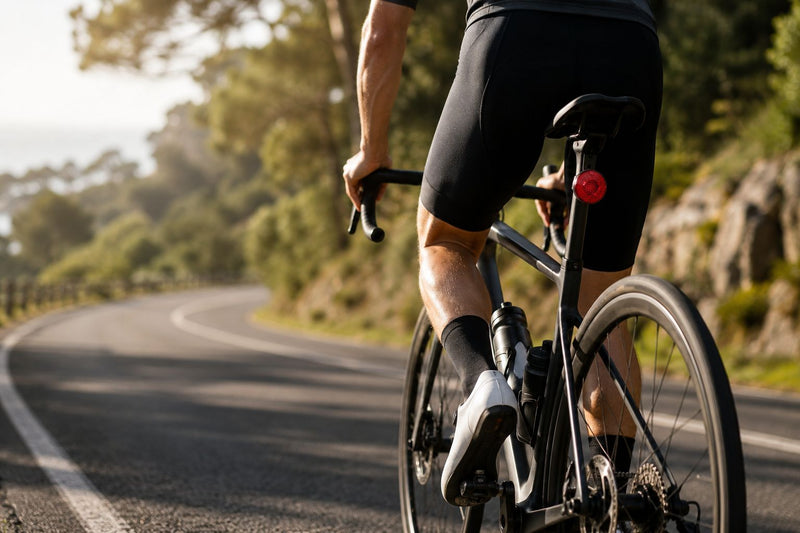
Ride Track BellSetup and help →
Fitting and setup
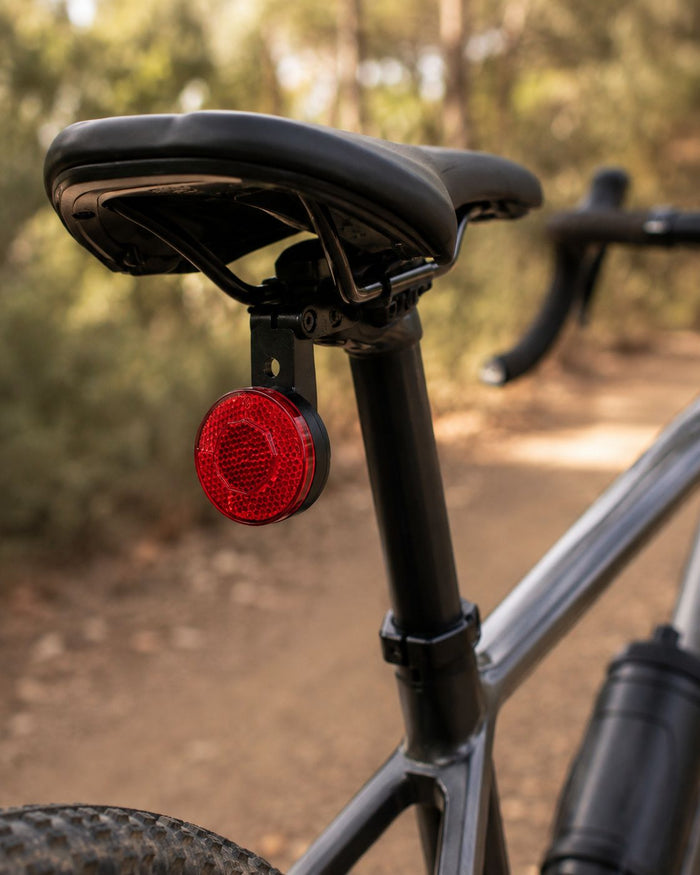
Ride Track ReflectorSetup and help →
Fitting and setup

Luxe HolderSetup and help →
Fitting and care
Works with Apple Find My
- KLIP products currently work with Apple Find My only
- You need an Apple ID and an iPhone 8 or later on iOS 14.5 or later
- Each KLIP tracker connects to one Apple ID
- One Apple ID can have up to 32 Find My items
Orders and returns
- Shipping and delivery (Australia and international)
- Returns and warranty
- Track my order
- FAQ
- Email support@klipofficial.com