






Support
Ride Track Bell and Reflector setup and help
Fitting, setup and help for the Ride Track Bell and Ride Track Reflector. Each has a Nova tracker hidden inside. Everything is on this page.

Set up the tracker first
Add the Nova tracker to Find My before you fit the bell or reflector to your bike, so you can hear it chime. Not sure how to reach the tracker? Contact us before fitting.
Press and hold the Nova button for 3 seconds. You'll hear a ring-ring chime.
Open the Find My app on your iPhone or iPad. Allow notifications if asked.
Keep it near your phone. Tap Items, then Add Item, then Other Supported Items. When "Wireless tag" appears, tap Connect.
Name it (for example Bike) and tap Continue. Confirm adding it to your Apple ID, then tap Finish.
Fit it to your bike
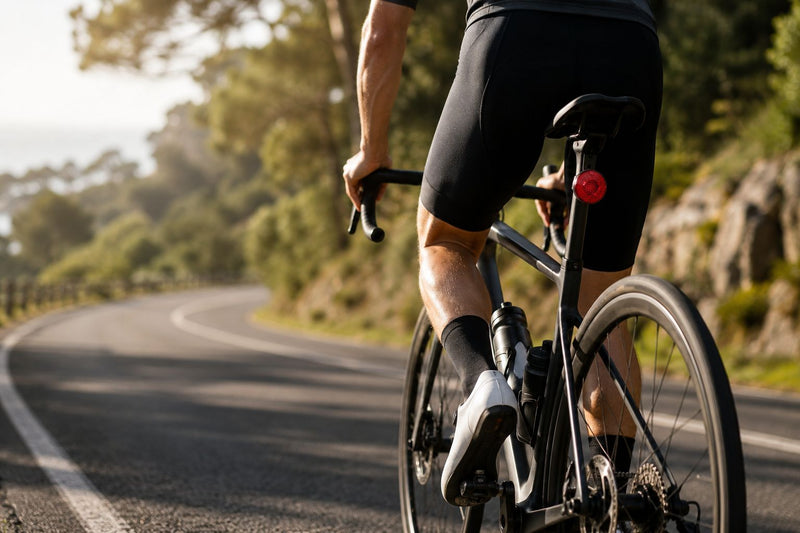
Clamp the bell onto your handlebar, set the angle you want, then tighten the screw so the bell doesn't turn.
- Loosen the clamp screw with the hex key. Fit the bracket to your seat post, point the arm backwards and tighten the screw so it doesn't turn.
- Unscrew the rear cover of the reflector to reach the tracker.
- Place the Nova tracker face-up in the round slot so it sits flat.
- Put the cover back and tighten the screws evenly until snug. Don't overtighten.
- Line the reflector up with the bracket and push until it clicks into place.
To take it off, press the locking tab and pull it free.
Power, reset and battery
The tracker inside is a Klip Nova Tracker. Power off, factory reset, battery and the steps for a tracker that isn't yours are on the Klip Nova Tracker page.
Troubleshooting
My bike shows an old location
The location updates when an Apple device passes nearby. In quiet areas it can take longer.
The bell or reflector feels loose
Stop riding and tighten the screw with the hex key until it doesn't move. For the reflector, check it has clicked fully into the bracket.
It doesn't appear in Find My
- Make sure the tracker is on (listen for the ring-ring chime).
- Turn Bluetooth off and on.
- Restart your iPhone.
- Factory reset the tracker and try again (steps on the Klip Nova Tracker page).
Riding and care
Check the bell and reflector are tight and secure.
Rated IP66, so it handles rain, splashes and dust. Don't submerge it in water.
Compatibility
- Works with Apple Find My
- You need an Apple ID and an iPhone 8 or later on iOS 14.5 or later
- Android: coming soon with Google Find Hub
Apple, Find My, iPhone, iPad, Mac and related marks are trademarks of Apple Inc. Apple is not responsible for the operation of this device.